Claude HUD: Fully Master Your Claude Code Running Status
Claude HUD: Fully Master Your Claude Code Running Status
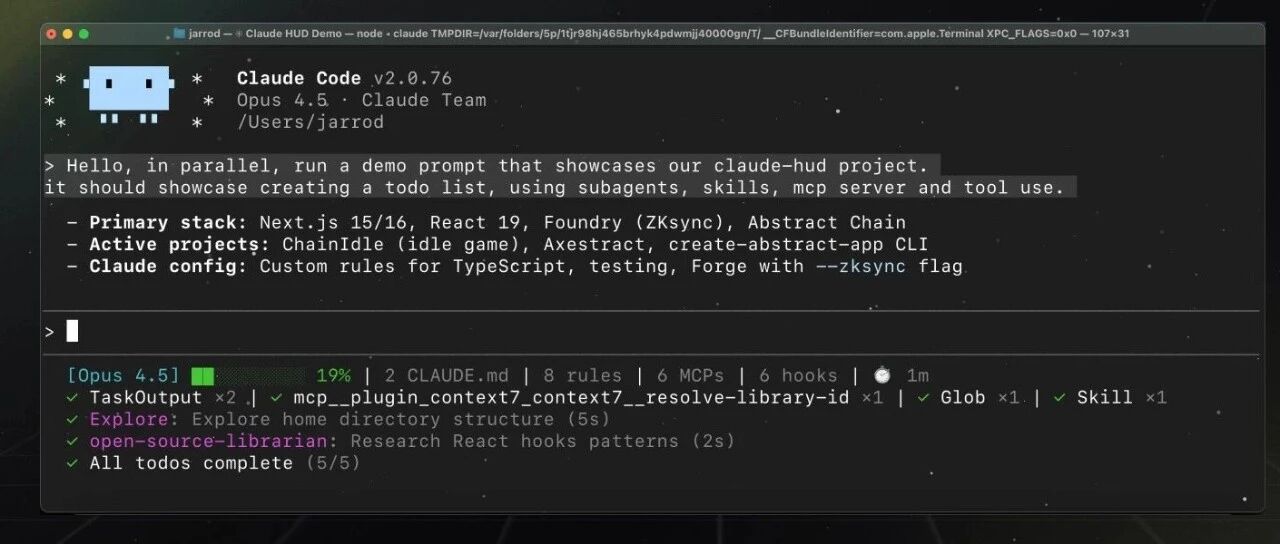
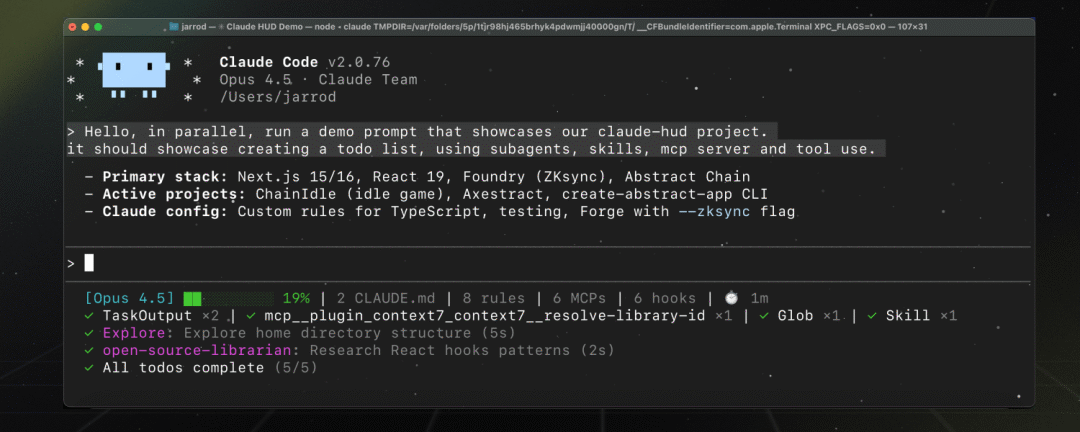 During the multi-turn conversation process of Claude Code, information often loses focus: whether the branches are correct, current subscription information consumption, usage of context, configurations, etc. The Claude HUD plugin addresses these issues - displaying the running status below the Claude Code input box, just like a car's HUD!
HUD (Head-Up Display) is a display system that projects key information in front of the driver's line of sight, allowing you to obtain information without looking down at the dashboard or center console, thereby reducing the time your gaze is off the road.
Installation: Claude Code Plugin
Claude HUD, as a plugin for Claude Code, has an intuitive installation method:
/plugin marketplace add jarrodwatts/claude-hud /plugin install claude-hud /claude-hud:setup
Display Running Status
Claude HUD displays practical information, allowing you to know at any time what environment you are in, what configuration you are using, how much cost you are incurring, and what tasks you are running. The specific displayed information includes:
- Session information: Model, subscription information, context usage, project path, git branch, configuration (CLAUDE.md, rules, MCP, Hook), session duration
- Tool information
- Claude Code SubAgent information
- Task progress
Principle: Based on Claude Code Statusline, Reliable Data Source
The implementation of Claude HUD is based on the Statusline mechanism of Claude Code:
{ "statusLine": { "type": "command", "command": "~/.claude/statusline.sh", "padding": 0 // Optional: set to 0 to let status line go to edge } }The statusline will periodically receive input from Claude Code:
{ "hookeventname": "Status", "sessionid": "abc123...", "transcriptpath": "/path/to/transcript.json", "cwd": "/current/working/directory", "model": { "id": "claude-opus-4-1", "displayname": "Opus" }, "workspace": { "currentdir": "/current/working/directory", "projectdir": "/original/project/directory" }, "version": "1.0.80", "outputstyle": { "name": "default" }, "cost": { "totalcostusd": 0.01234, "totaldurationms": 45000, "totalapidurationms": 2300, "totallinesadded": 156, "totallinesremoved": 23 }, "contextwindow": { "totalinputtokens": 15234, "totaloutputtokens": 4521, "contextwindowsize": 200000, "currentusage": { "inputtokens": 8500, "outputtokens": 1200, "cachecreationinputtokens": 5000, "cachereadinputtokens": 2000 } } }This ensures the accuracy of the information, and this JSON also provides a transcript_path - the local history of this session, which can be read to obtain more information.
If Claude Code is your main agent, using Claude HUD is highly recommended!



