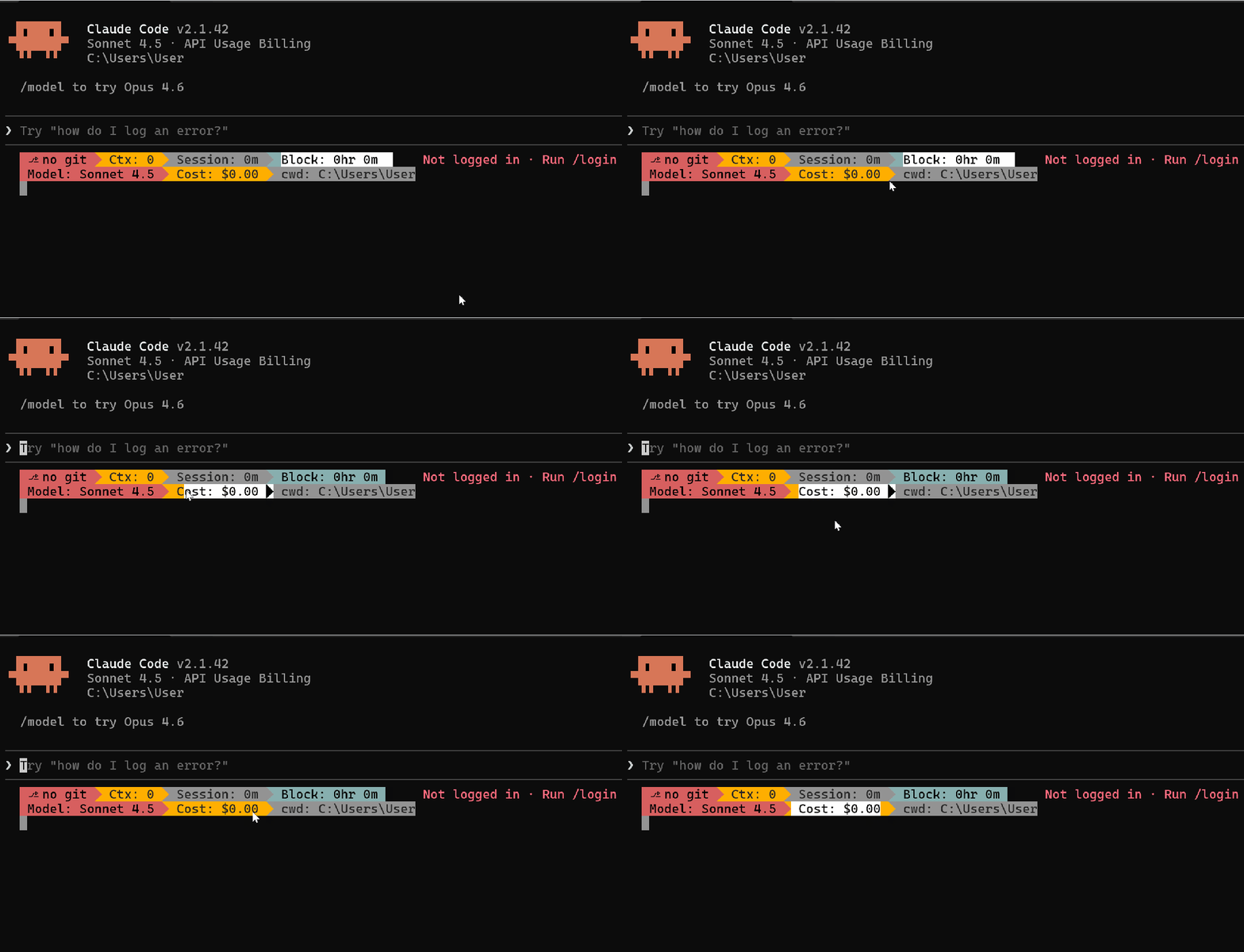
Claude Code Status Bar is Amazing: CC Statusline Makes the Terminal Beautiful and Efficient
Claude Code Status Bar is Amazing: CC Statusline Makes the Terminal Beautiful and Efficient
A status bar for Claude Code that can display model, Git, context, and costs in real-time, with a zero-configuration TUI getting started guide.
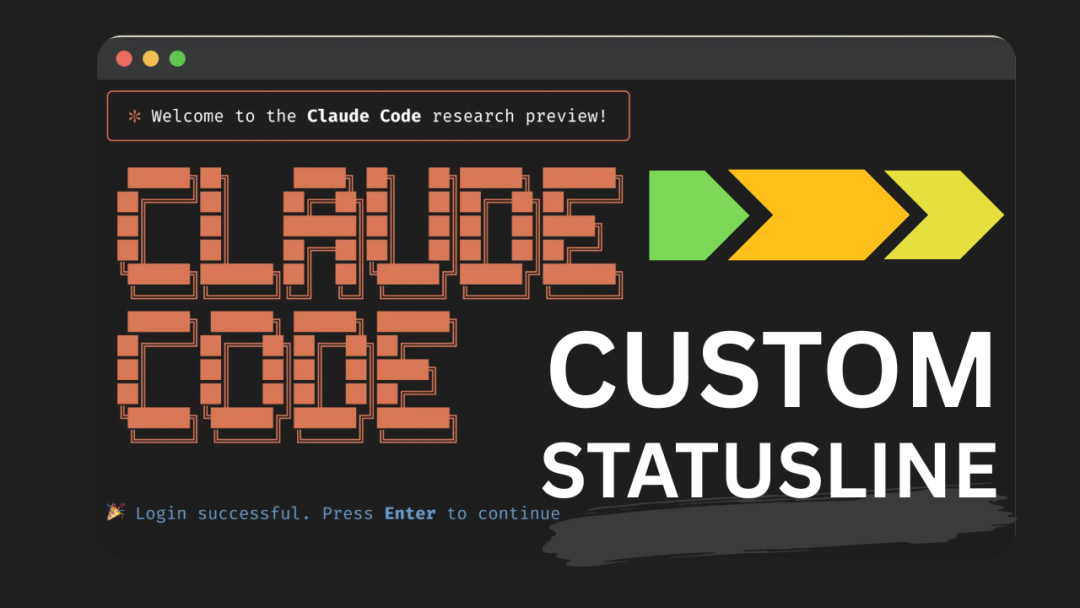 Forget the default Claude Code status bar; CCstatusline is the tool that makes the terminal both beautiful and functional. It can pack model information, Git branches, token usage, session costs, timers, and Powerline arrows into a custom status bar, all with graphical configuration, without modifying files.
What is CCstatusline?
It is an open-source npm package for Claude Code that provides a configurable status bar with real-time metrics, supporting Powerline, built-in TUI configuration, and multiple themes.
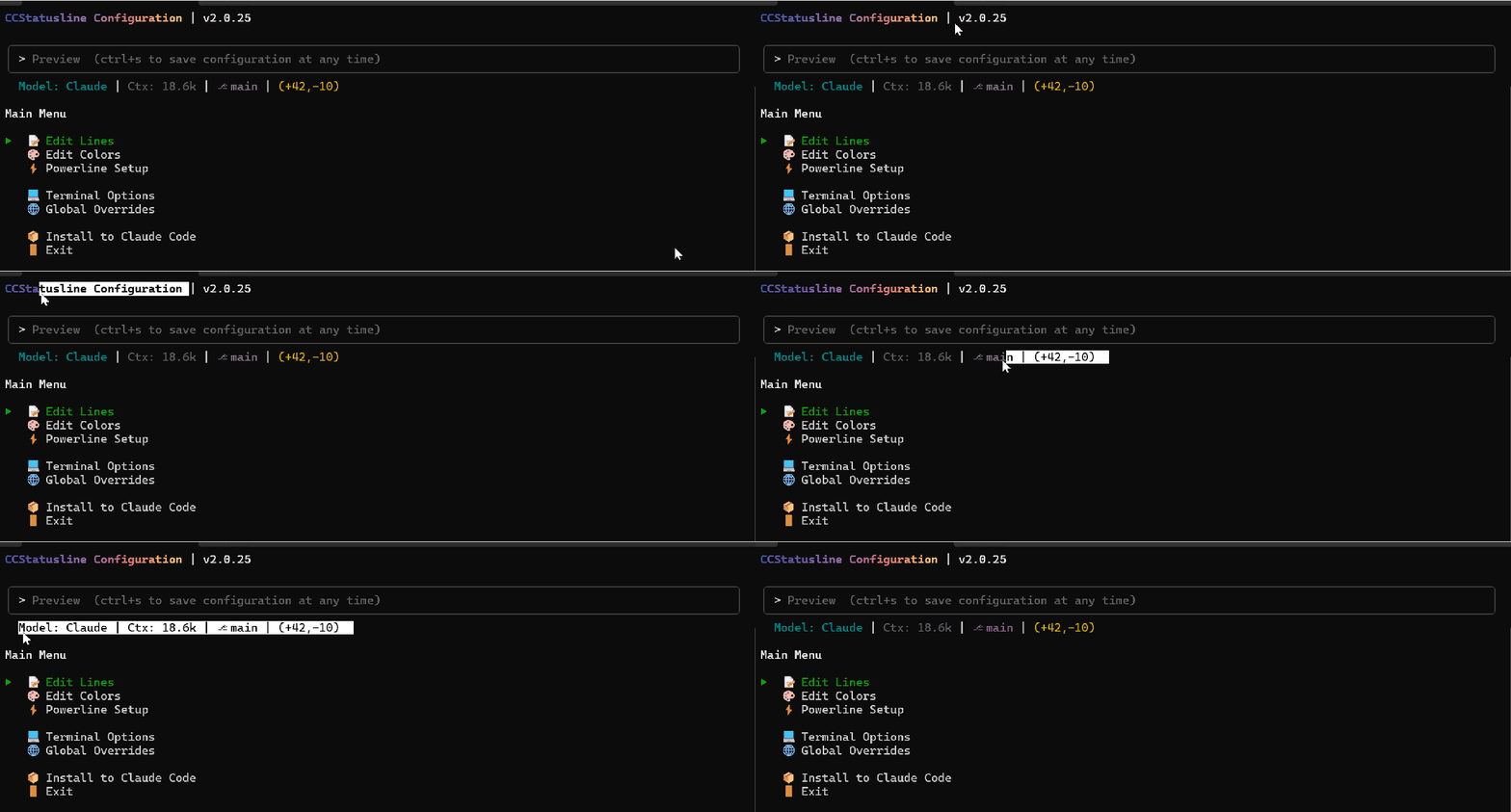
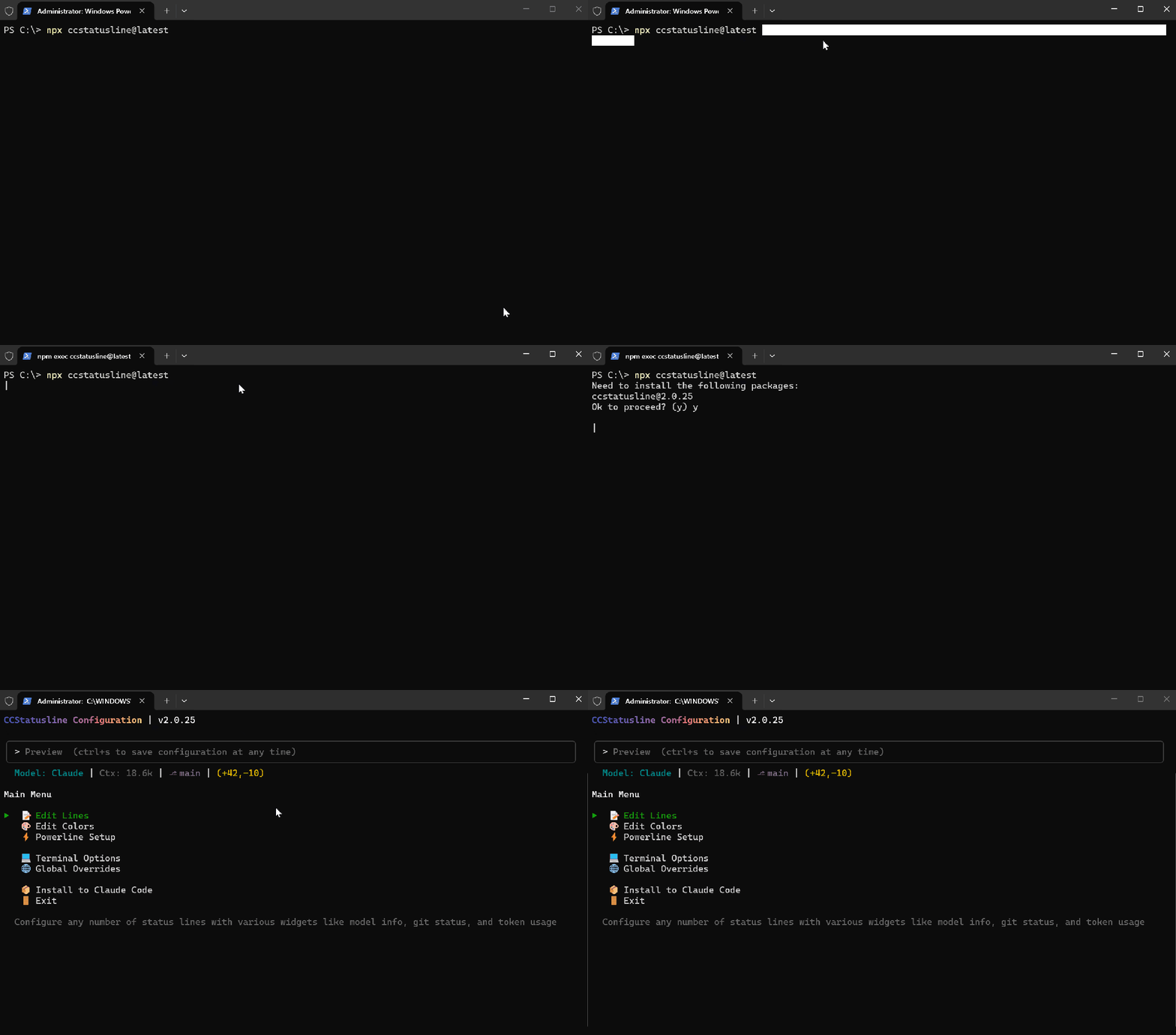
 You can see a live preview after starting:
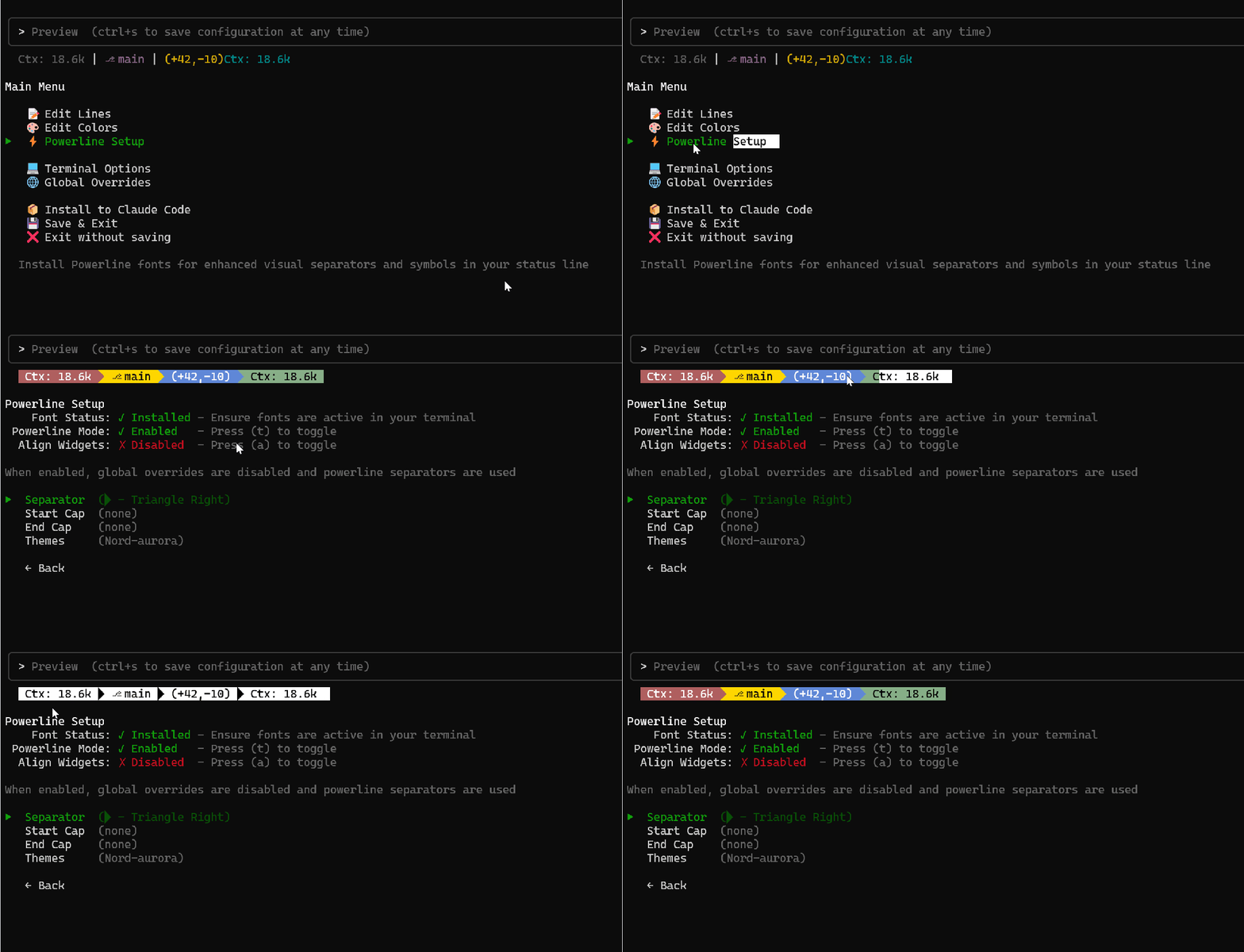
 Ctx: 18.6k | ⎇ main | (+42,-10). After configuration, it can look even fancier.
What Can It Display
Widgets can be freely combined: model name, context length, Git branch/changes, session duration, 5-hour block timer, session cost, working directory, any custom text or command output... You can also configure multiple status bars with different layouts.
Full TUI Configuration, No Need to Modify Configuration Files
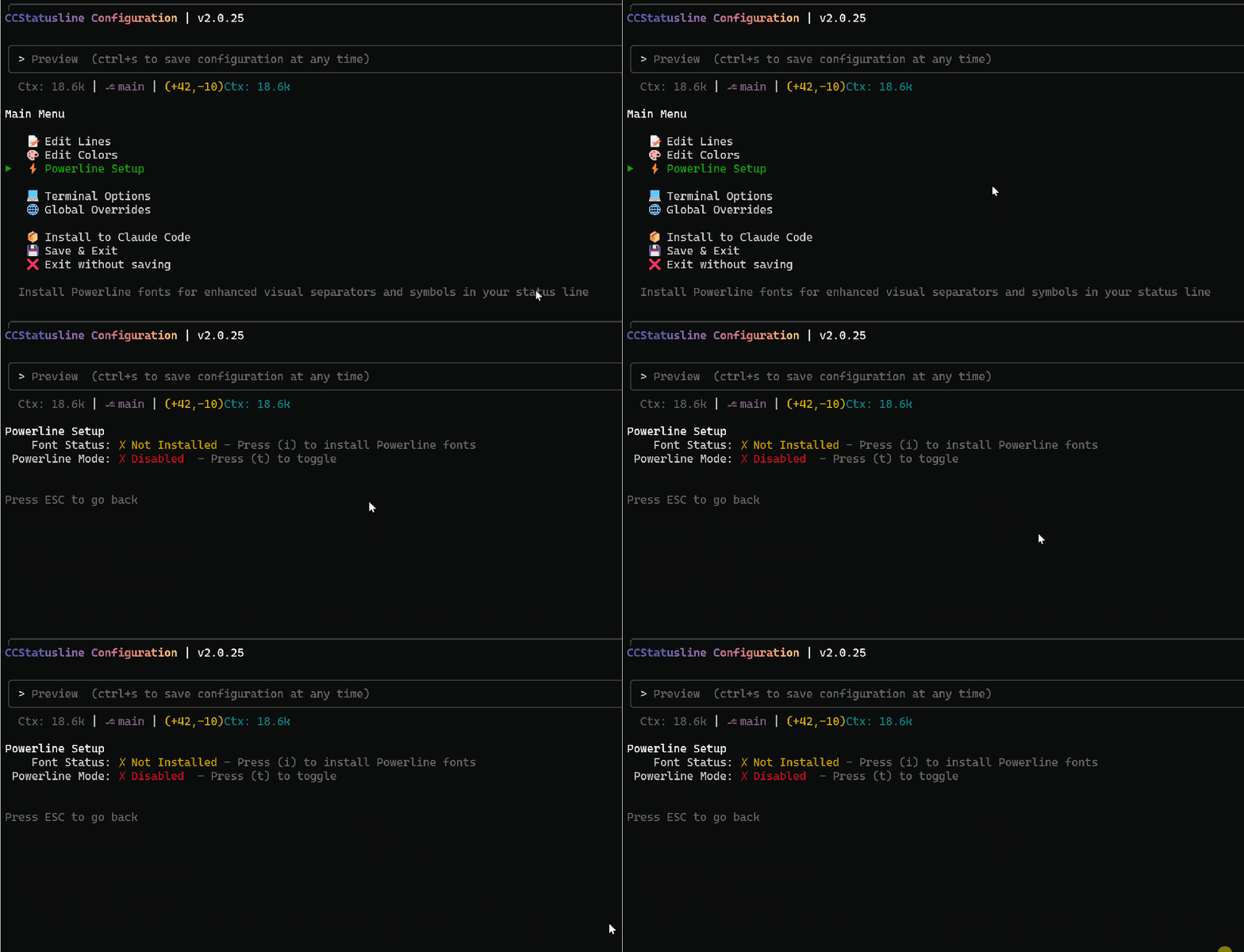
Run npx ccstatusline@latest to enter the interactive interface, with seven menus: edit lines, change colors, Powerline settings, terminal options, global styles, install to Claude Code, save and exit. The top updates in real-time as you change settings.
Enable Powerline for a Stunning Look
First, in the Powerline menu, press i to install Nerd Font, then press t to enable arrow separators. Windows users should install Nerd Font and set it as the terminal font if they see boxes.
Quick Installation Steps
- Execute in the terminal:
npx ccstatusline@latest
or bunx ccstatusline@latest
- Enter TUI, first enable Powerline, then adjust components, colors, and global styles as needed.
- Select "Install to Claude Code" to write settings, save and exit.
Tips for Configuring Components
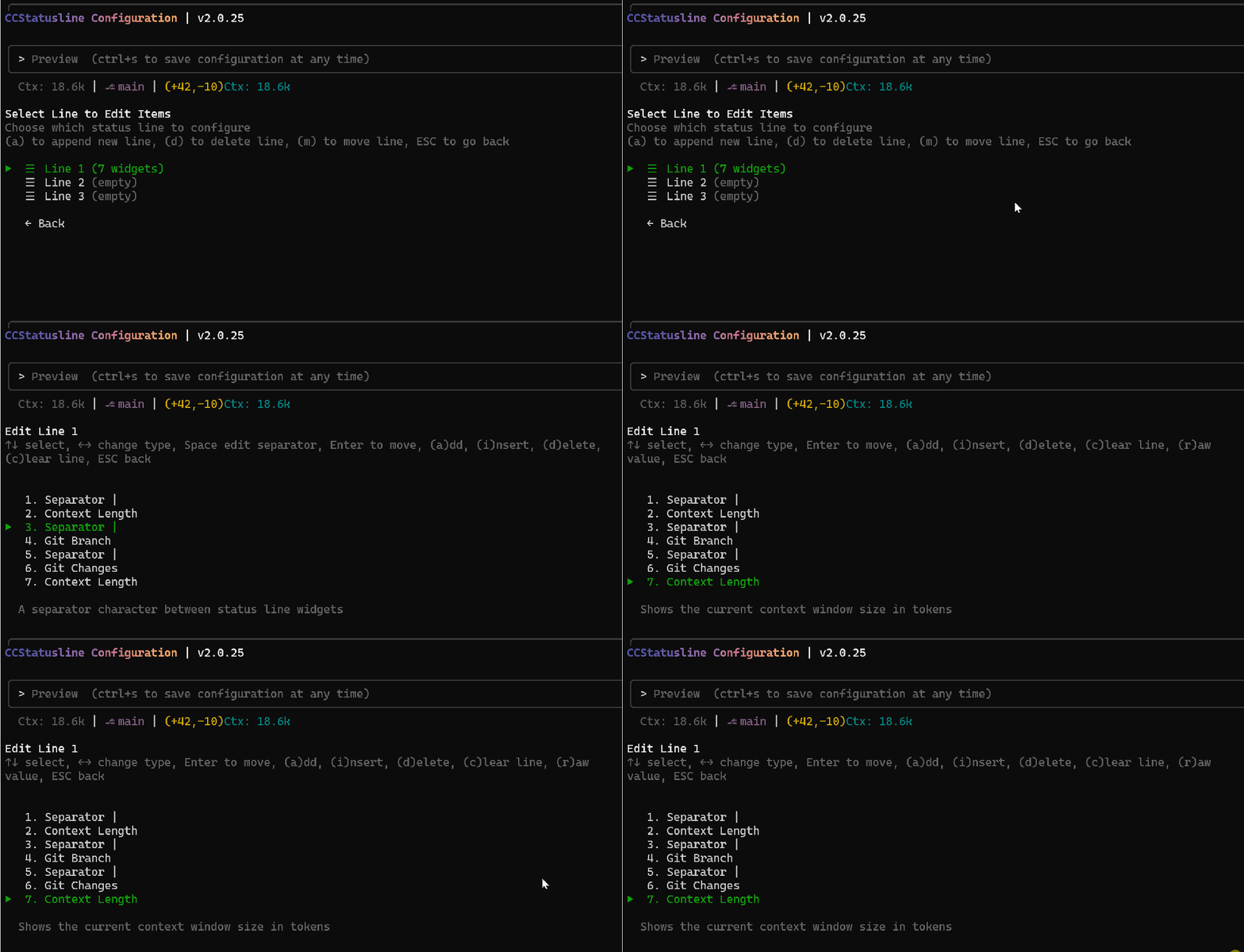
- Enter "Edit Lines → Line 1" to select components with ↑↓,
ato add,dto delete, ←→ to switch types,rto show raw values,mto merge. - You can create 3 independent status bars with real-time previews.
 Recommended components to add: model, block timer, session cost, Git branch, context length.
Colors and Terminal Options
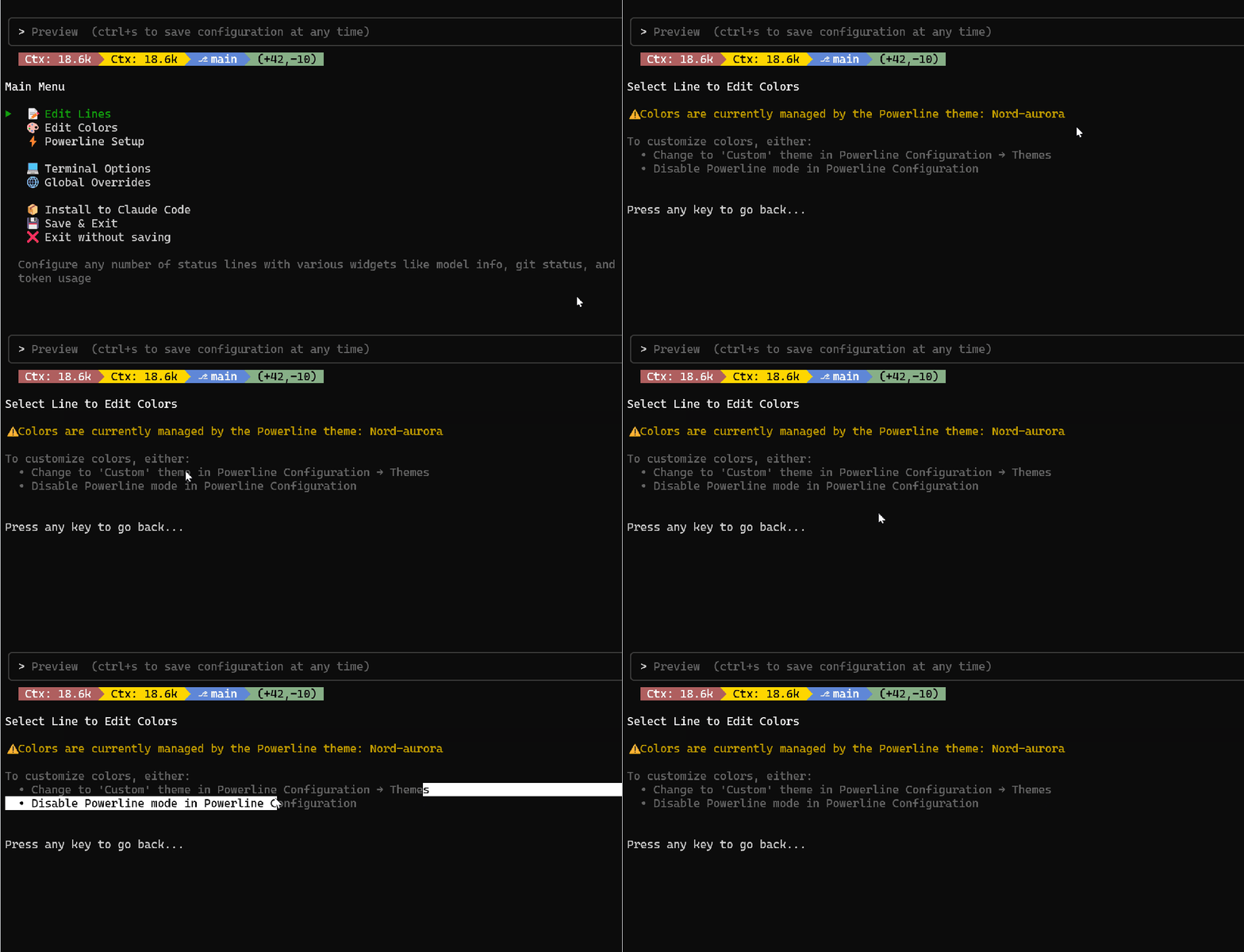
 In "Edit Colors," use ←→ to select colors,
 f for foreground/background, b for bold, a to toggle 256 colors, r to reset. In "Terminal Options," you can choose 16 colors/256 colors/Truecolor.
Install to Claude Code & Run Example
 After saving, open Claude Code, and the status bar will take effect immediately; themes can be switched in the Powerline theme settings.

Return to TUI for Further Changes
You can run npx ccstatusline@latest anytime to continue adjusting.
My Favorite Component Combinations
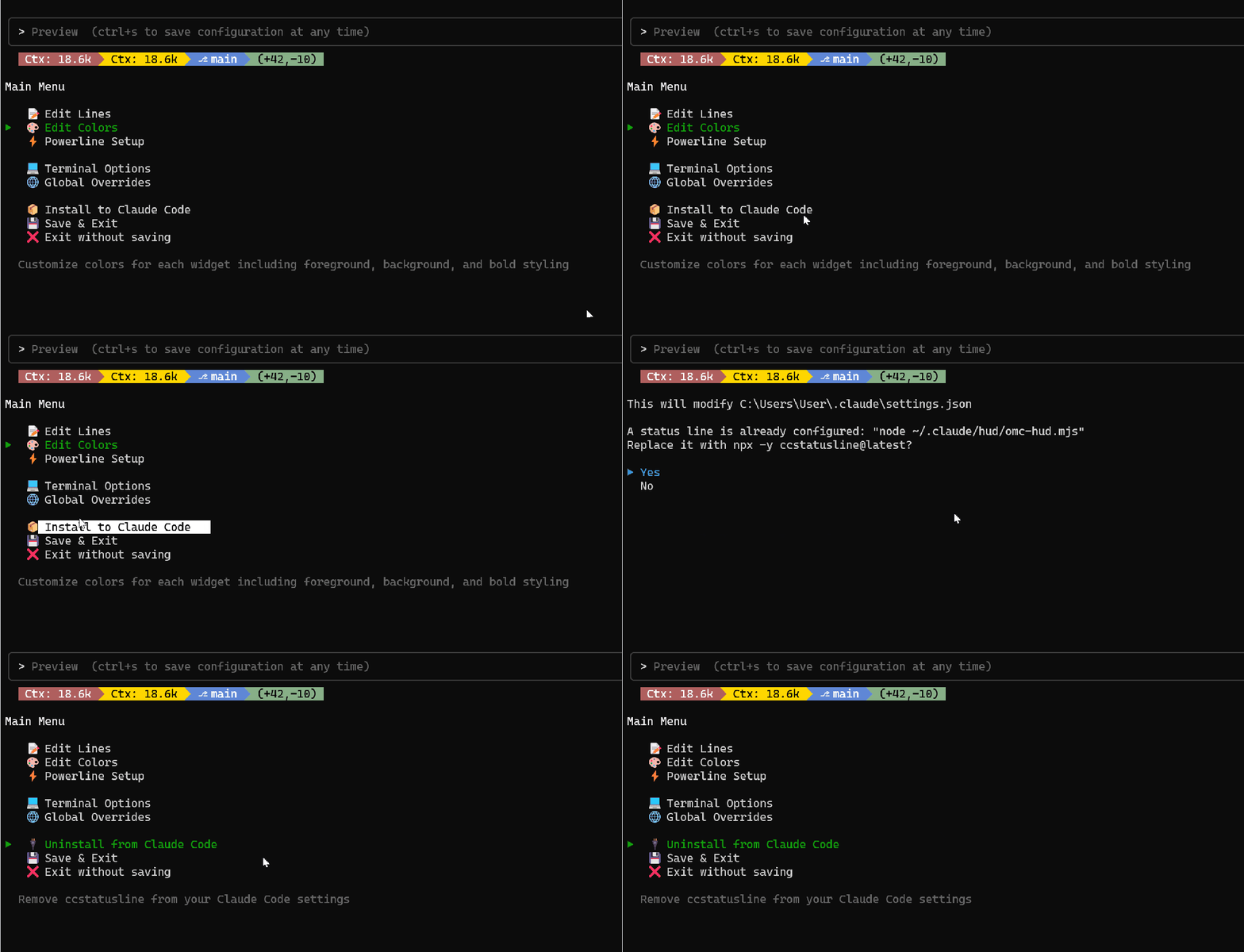 Git branch + changes, block timer, session cost, context length, working directory, current model.
Block Timer
 Claude Code has a session block every 5 hours, and this timer helps you know how much time is left; press
 p to switch to progress bar mode.

Session Cost
 Displays costs in real-time,
 r to close the label and only see the number. Requires Claude Code 1.0.85+.
Git Branch and Changes
 Branches are always visible, and the number of changed lines is clear, with a git worktree widget available.
Context Length
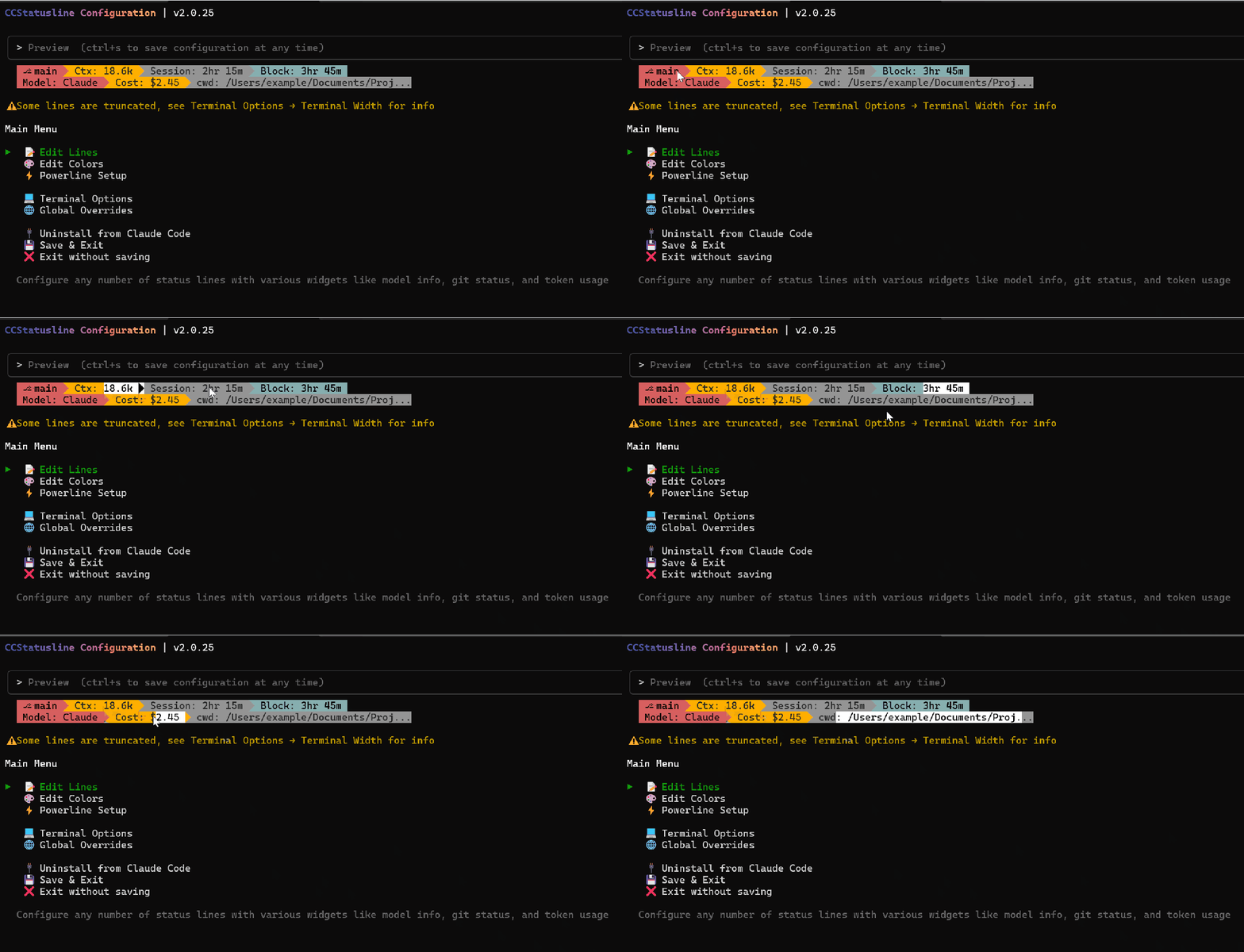 Real-time token counting to avoid exceeding limits in long sessions.
Custom Commands
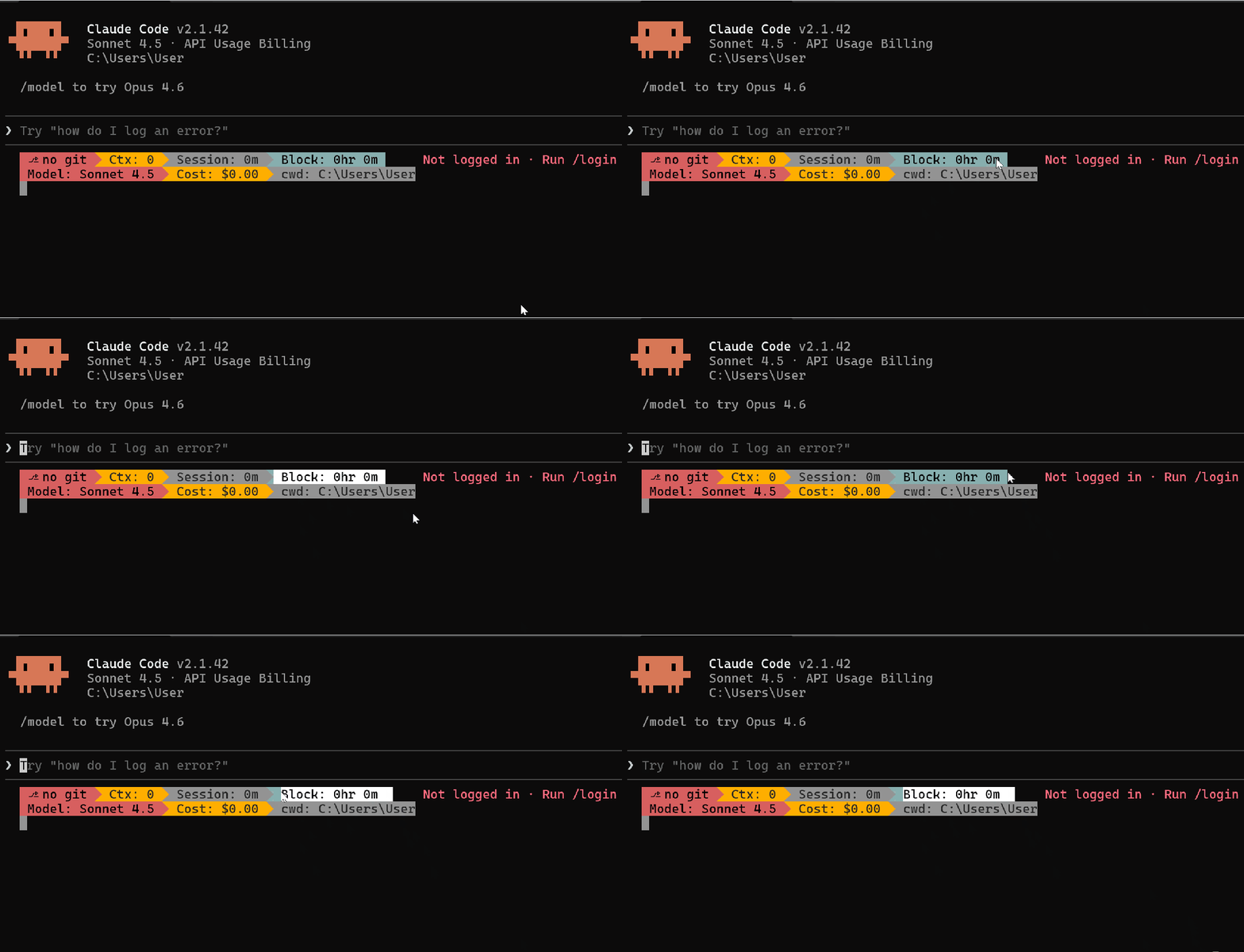 You can run any shell command and put the output into the status bar; remember to set a timeout of 5000ms+ for network commands. Examples:
date +%H:%M node -v git rev-parse --short HEAD curl -s wttr.in?format="%t" npx -y ccusage@latest statusline
Summary & Notes
- Powerline arrows require Nerd Font.
- Session Cost requires Claude Code 1.0.85+, may not update during /resume.
- To change configuration, run
npx ccstatusline@latestanytime.