[Breaking] Obsidian CLI is Here: How Command-Line Tools are Changing Note Management
[Breaking] Obsidian CLI is Here: How Command-Line Tools are Changing Note Management
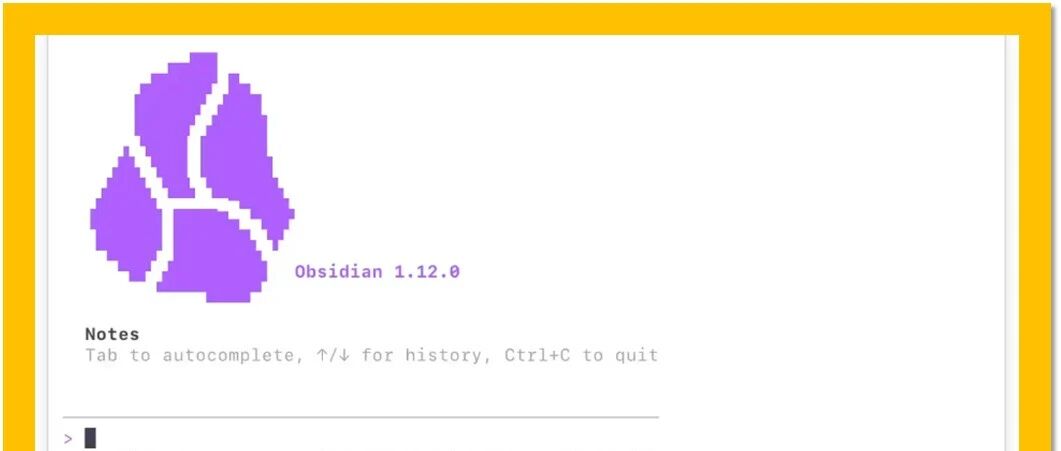
Obsidian's official command-line tool, CLI, has finally arrived, bringing note management into a new era. This is a major benefit for users who like to work with the terminal.
What is Obsidian CLI?
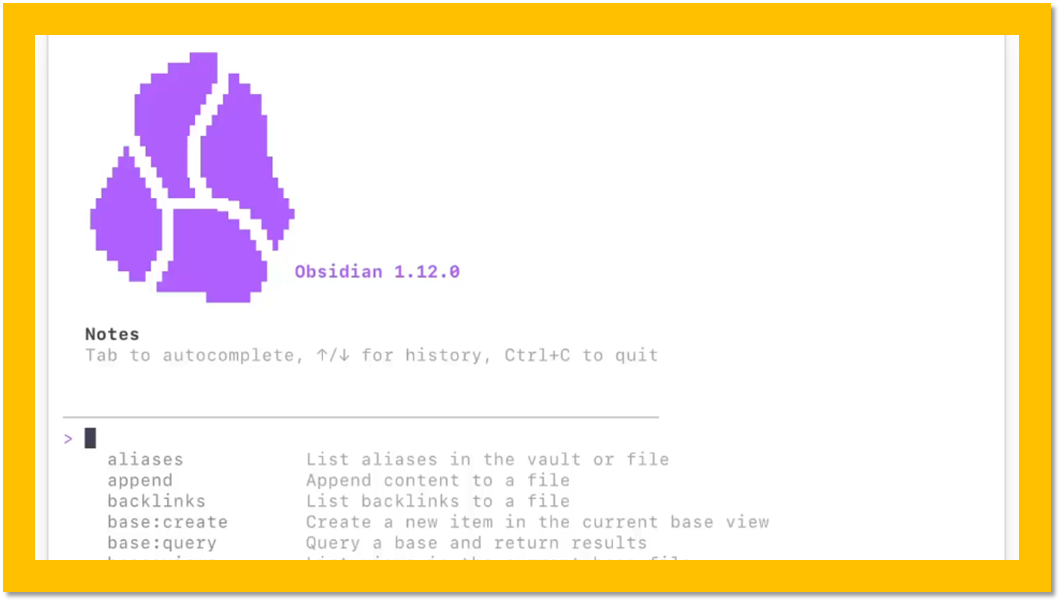
Obsidian CLI is a command-line tool that allows you to quickly complete various note operations in the terminal without opening the Obsidian application interface.
Core Features
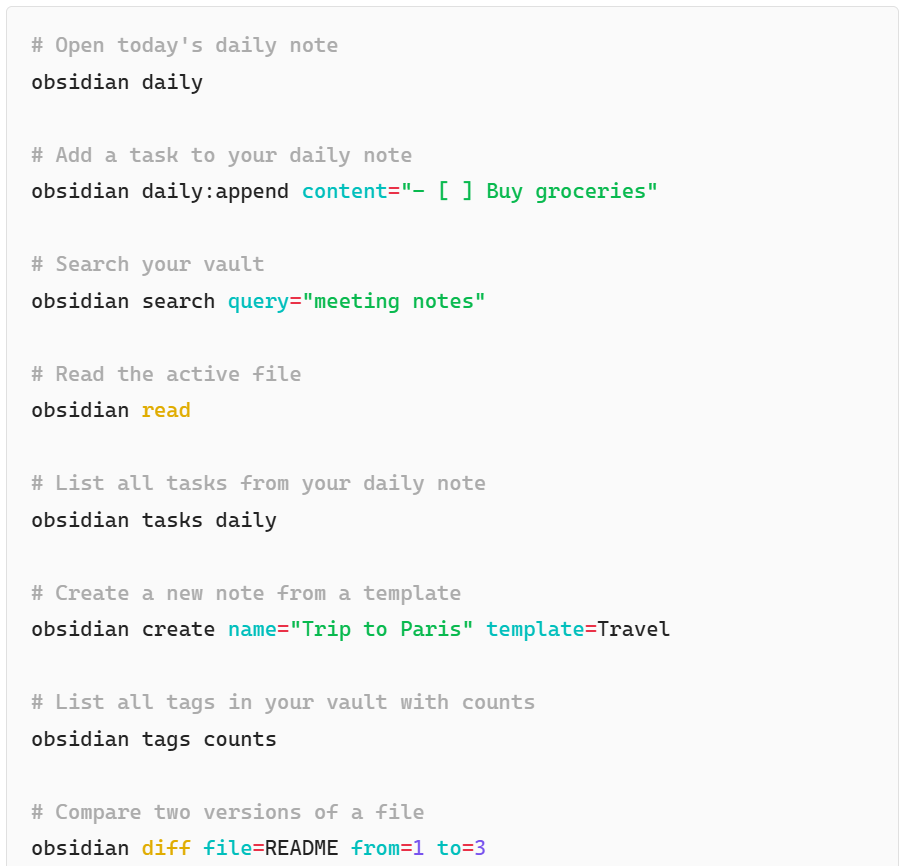
- Quickly create notes: Create new notes with one click via the command line
- Search content: Quickly search for keywords in all notes
- Open notes: Open specified notes directly from the terminal
- Batch operations: Batch processing of multiple notes
- Template application: Quickly apply preset templates
Installation Method
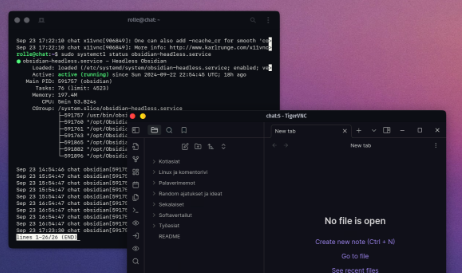
`# Install using npm npm install -g obsidian-cli
Or use Homebrew
brew install obsidian-cli`
Common Commands

`# Create a new note obsidian new "Note Title"
Search notes
obsidian search "Keyword"
Open a note
obsidian open "Note Name"
List all notes
obsidian list`
Usage Scenarios
- Quickly record inspiration without switching applications
- Integrate note operations in automation scripts
- Linkage with tools such as Alfred/Raycast
- Integration of programmers' daily workflow
Summary
The launch of Obsidian CLI has transformed Obsidian from a purely GUI application into a productivity tool that can be scripted and automated. For users who are accustomed to working in the terminal, the efficiency improvement is significant.



